Gizmodeler
Intuitive 3D CAD for 3D printing.
Design parts you can actually print, right in your browser. Drag the handles on a part and watch it change as you go, or type exact sizes in millimeters. Then export an STL or 3MF your slicer is ready for. Nothing to install.
Try a sample of the real editor.The 3D editor
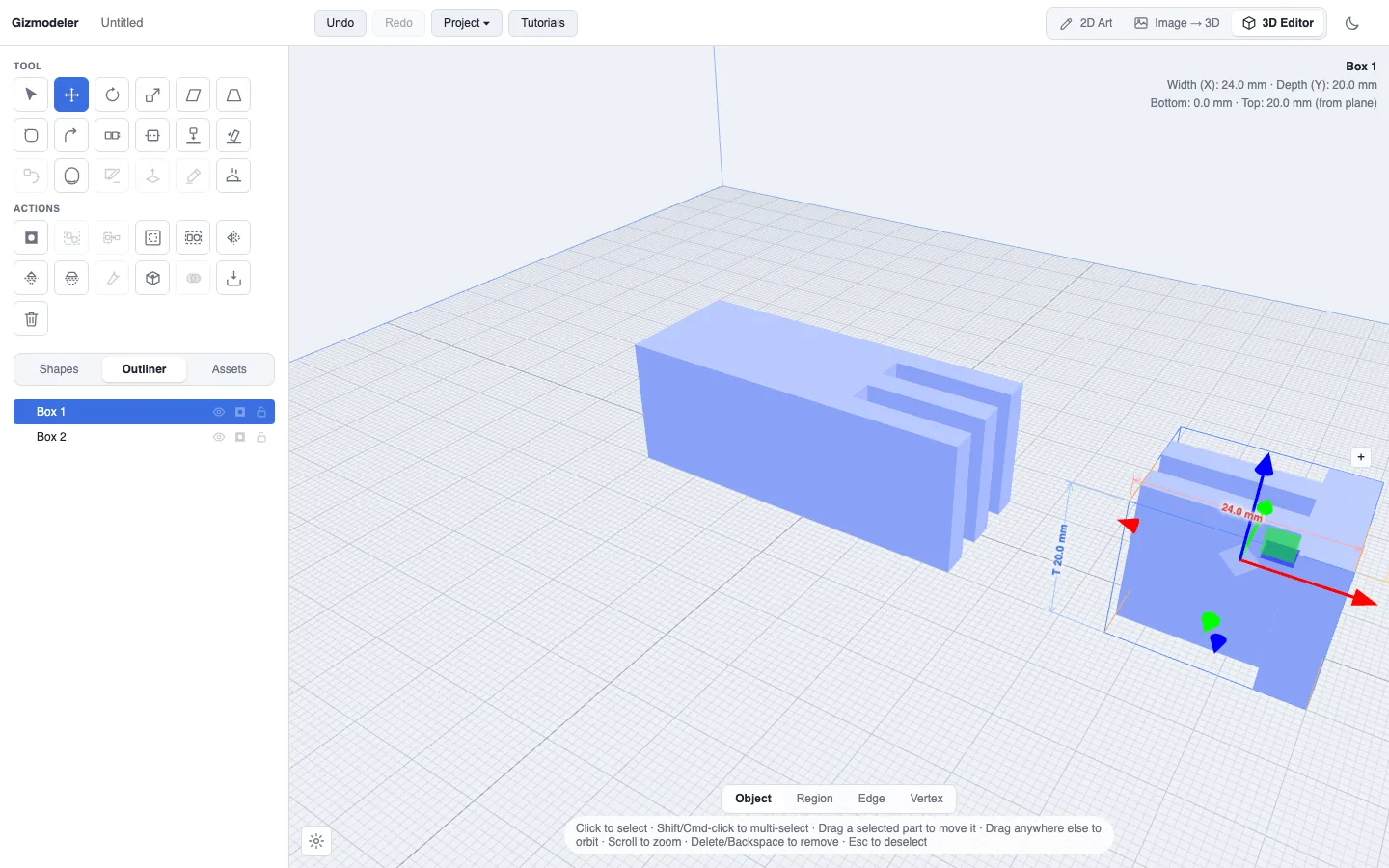
Drag to turn the view. Nothing here is saved. Open the full editor to make something of your own.
Drag it and see it change
Most CAD tools keep their settings in menus and dialog boxes, and you find out what a number does only after you click OK. In Gizmodeler the settings are handles on the part itself. Drag one to push a face out, round an edge, taper a side or slide a cut along, and the shape changes while you drag. Gone too far? Drag it back. Know the exact number? Type it in.
Tutorials that use the real editor
More than fifty short tutorials run inside the editors, not in a video beside them. Each step points at the control to use and moves on when you have used it, from your first printable part to cutting a model in two with interlocking teeth so both halves print.
Exact sizes
Type a width, depth or height in millimeters and the part becomes exactly that. Moves, turns and resizes snap to clean steps.
Shapes and holes
Build from boxes, cylinders, cones, spheres and text. Mark a shape as a hole, group it with a part, and it is cut away.
Shape it further
Push and pull faces, round corners, bend, taper, mirror, and repeat copies in a row. Or sketch an outline and pull it up into a solid.
Ready for the printer
Drop parts flat onto the build plate, hollow them to a wall thickness to save filament, and repair surfaces so they slice cleanly.
Files your slicer wants
Download STL, 3MF with per-face color for multi-color printers, or OBJ. Import STL and OBJ files to edit or remix them.
Saves as you go
Your work saves itself while you model, to your account when you are signed in and to this browser when you are not.
Also included
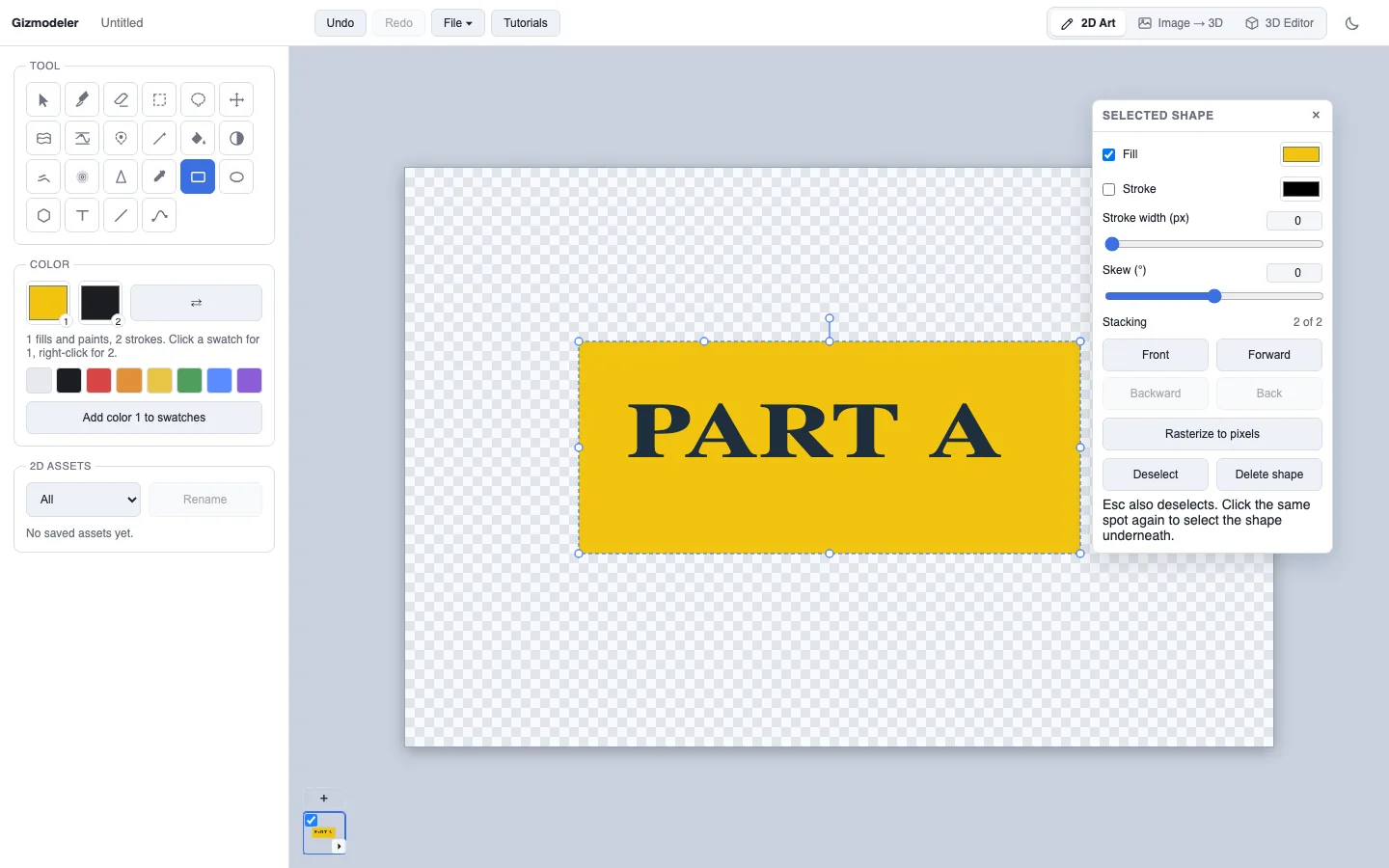
2D editor
Draw and paint on layers, trace a photo into vector outlines, and send an outline to the 3D editor to give it depth.
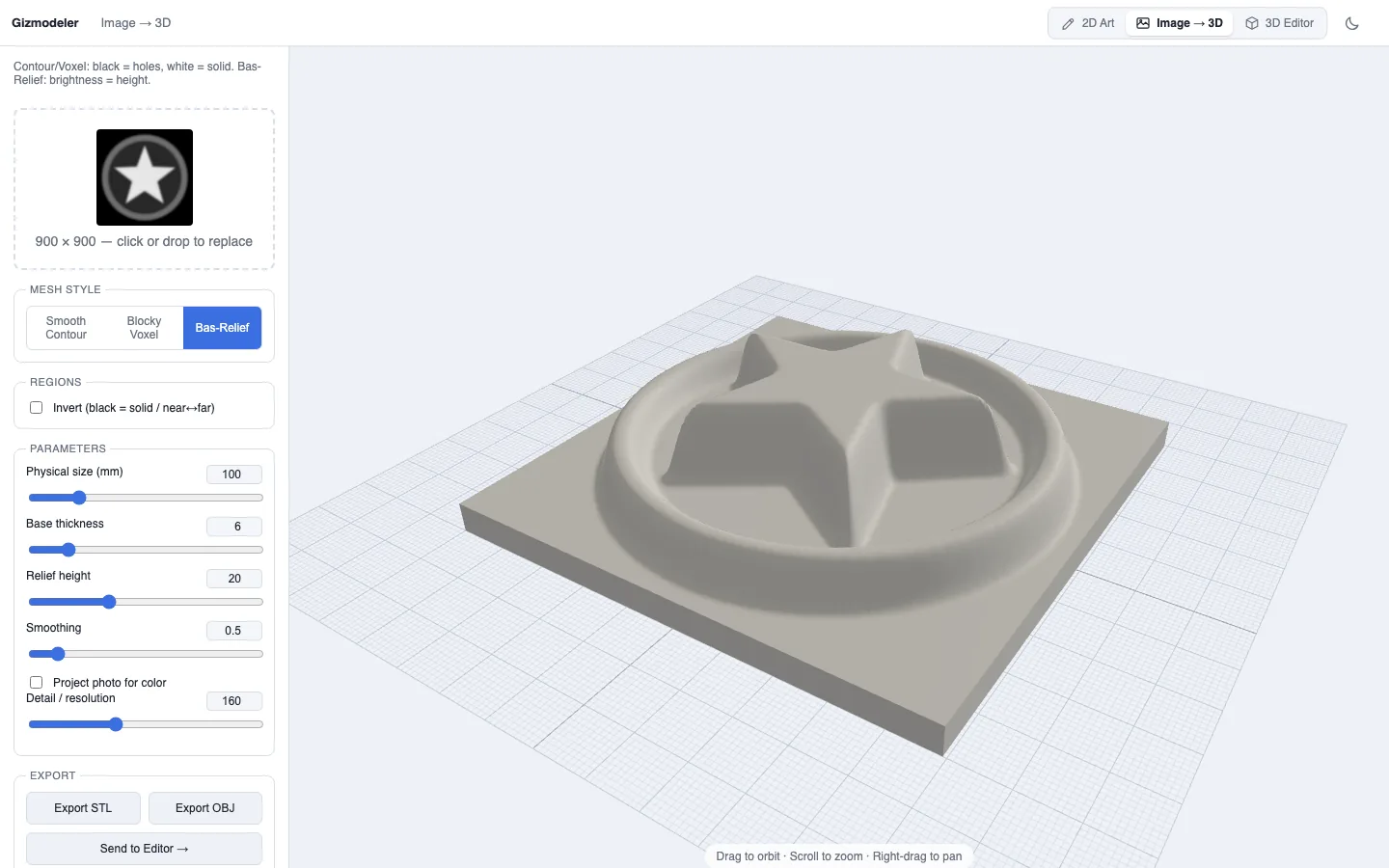
Image → 3D
Turn a photo or drawing into a raised relief you can print, with AI depth estimation or a depth map of your own.
Laser engraving and cutting support for the 2D editor is planned for a future version, depending on interest. If you would use it, let us know, or as a member, vote for it on the feature request board.
Built with the people who use it
Members ask for features and vote on each other’s, and every request shows where it stands: open, approved, shipped, or declined with the reason.
Recently shipped
Free
$0
- Every tool, every feature, in full
- Save your work to your account
- No downloads and no AI tools
Maker
$9/month, or $79 a year
- Download STL, 3MF, OBJ, SVG and more
- AI depth estimation and Smart Select
- Commercial use
- Vote on what we build next
14 day free trial. No card needed.
New here? Both editors have a Tutorials button at the top. Your work is saved in your browser until you sign in, and comes with you when you do.